Details
-
Bug
-
Status: Resolved
-
 Major
Major
-
Resolution: Fixed
-
Xray DC 8.4.1
-
None
-
Data Center
Description
Description
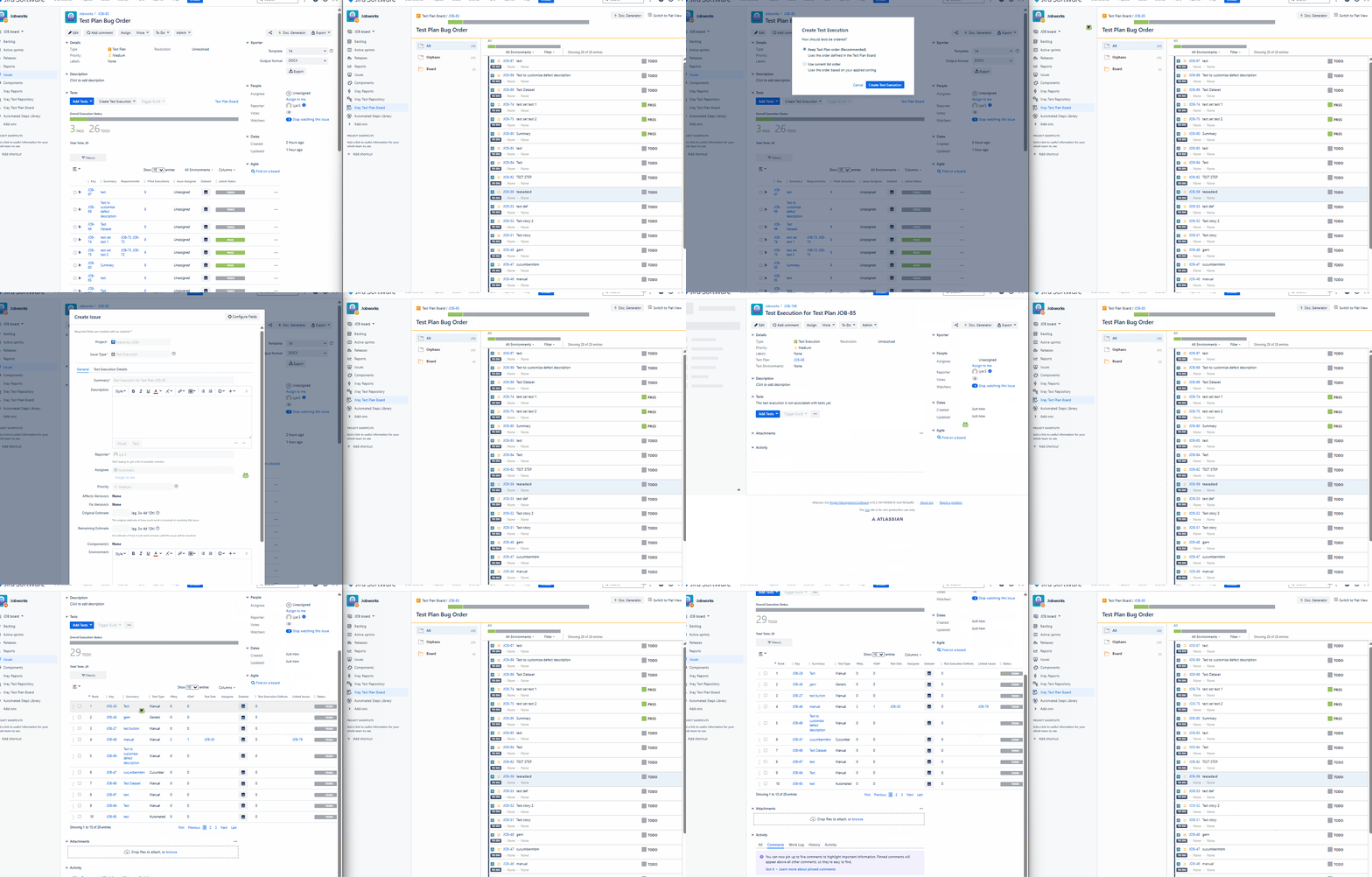
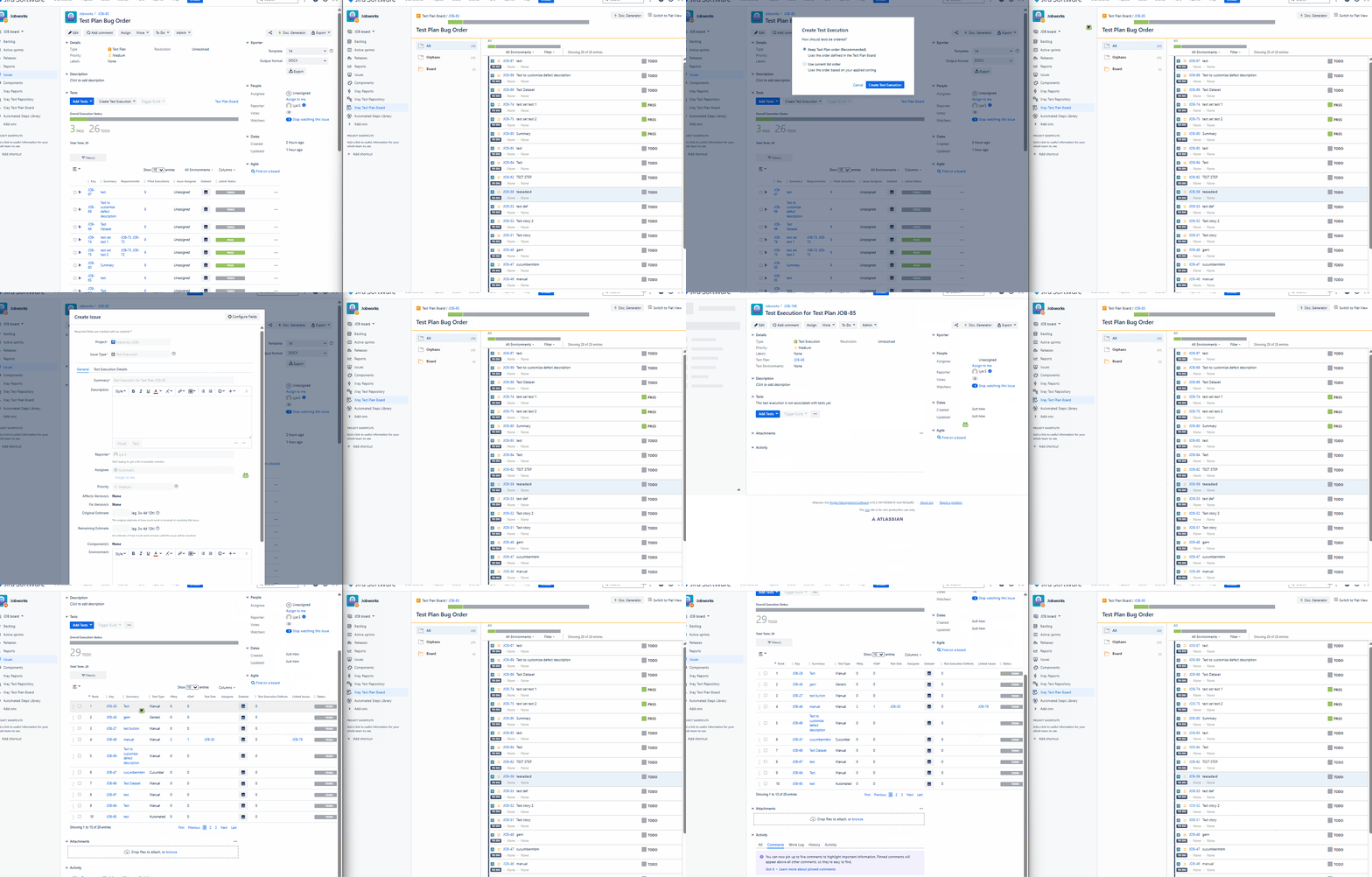
When creating a Test Execution from a Test Plan, and choosing "Keep Test Plan order", it does not follow the ranking in the Test Plan Board.
Pre-conditions
Enable Test Plan Board option in Global - Miscellaneous Settings
How to reproduce
- Open a Test Plan with Tests
- Click "Create Test Execution"
- Click "All Tests"
- Select the Keep Test Plan order option
- Open the newly created Test Execution
Actual result/Attachments
Expected result
It should follow the ranking in the Test Plan Board.
Version
- 8.4.1
Workaround
-
Attachments
Issue Links
- duplicates
-
-
- Closed
-
-
XDC-252 Loading...
-
- relates to
-
-
- Closed
-