Details
-
Bug
-
Status: Resolved
-
 Major
Major
-
Resolution: Fixed
-
Xray Cloud 7.4.0
-
None
-
Cloud. Manual Steps Library. Test Step.
Description
Description
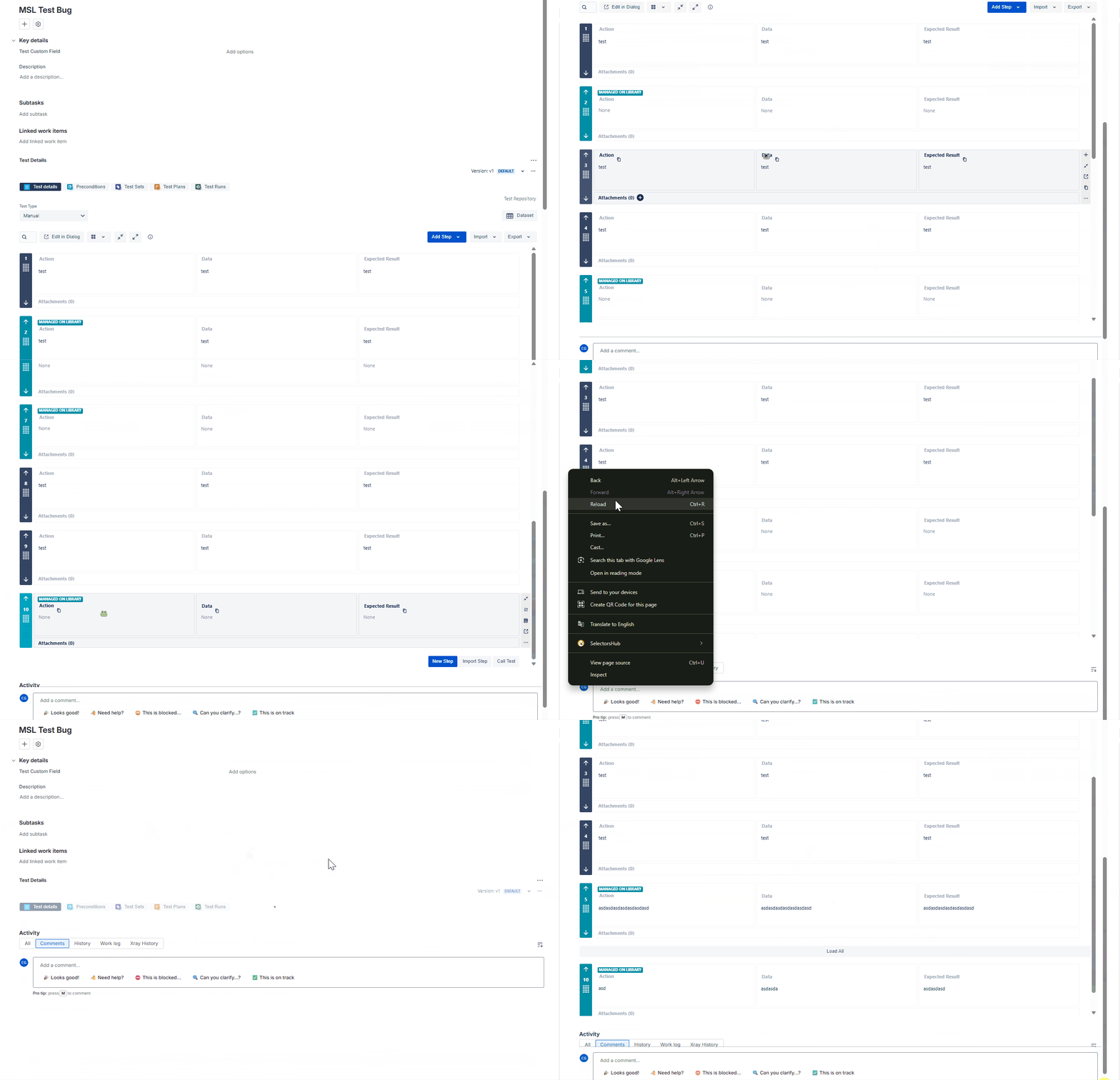
For a Test with many Test Steps, when clicking the 'Load All' button, the Test Steps imported from the MSL show up as 'None'
Pre-conditions
Enable MSL, add Test Steps to the library
How to reproduce
- Create a Test
- Add 10 Test Steps
- Import Test Steps from MSL
- Reload Page
- Click 'Load All'
Actual result/Attachments
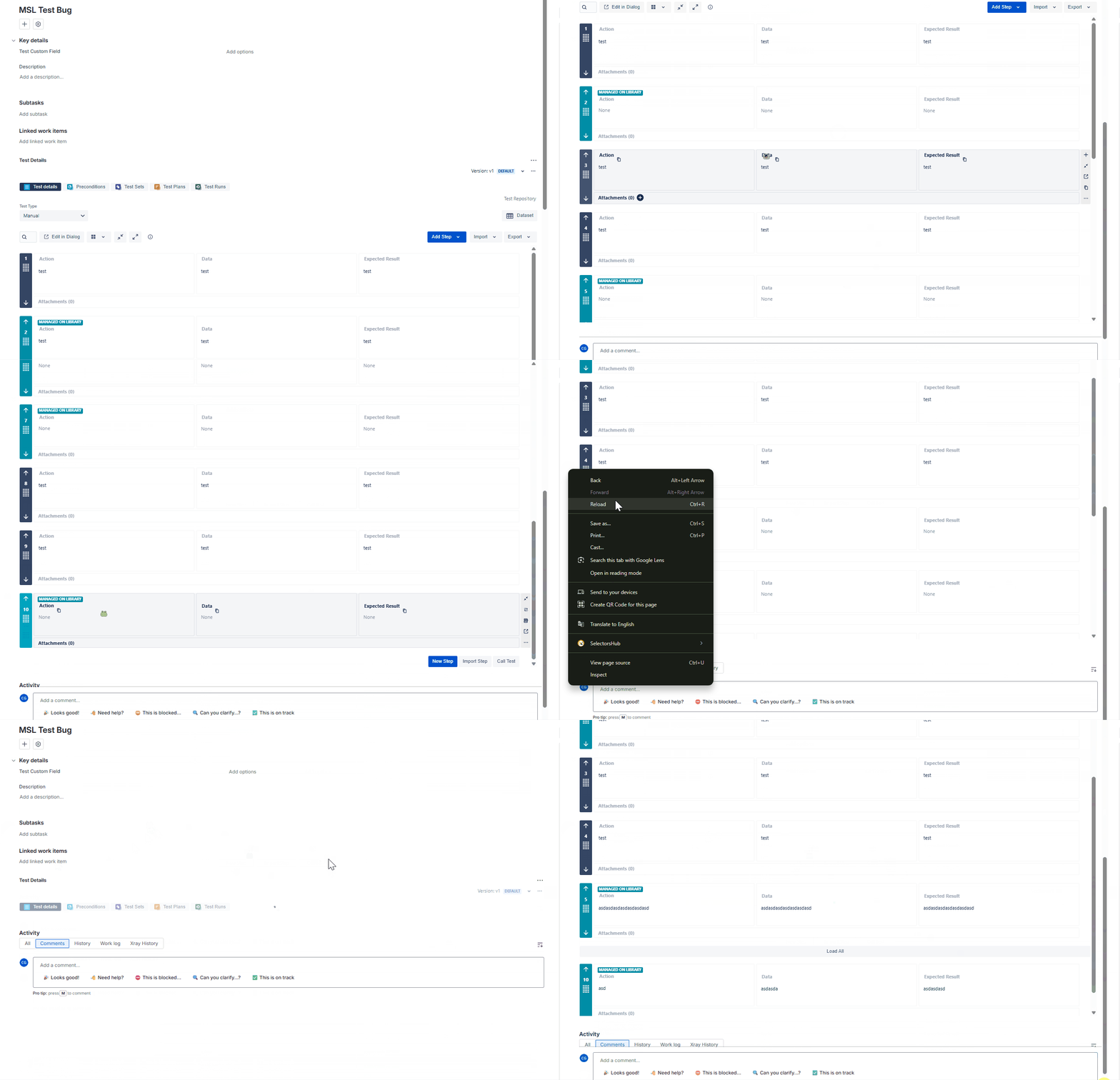
Expected result
The imported Test Steps should load properly
Version
- 7.4.0
Workaround
- To view the imported Test Steps, you can:
- Click Edit in Dialog
- Click View on the imported Test Step