Details
-
Bug
-
Status: Resolved
-
 Medium
-
Resolution: Fixed
-
Xray Cloud 7.5.0
-
None
-
All browsers
Description
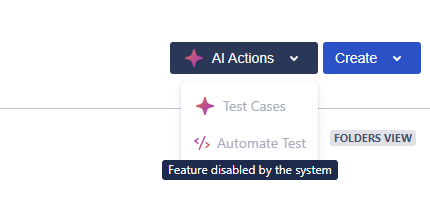
If the Test work item type is renamed, the Test Cases button becomes disabled for users, preventing access to the AI feature.
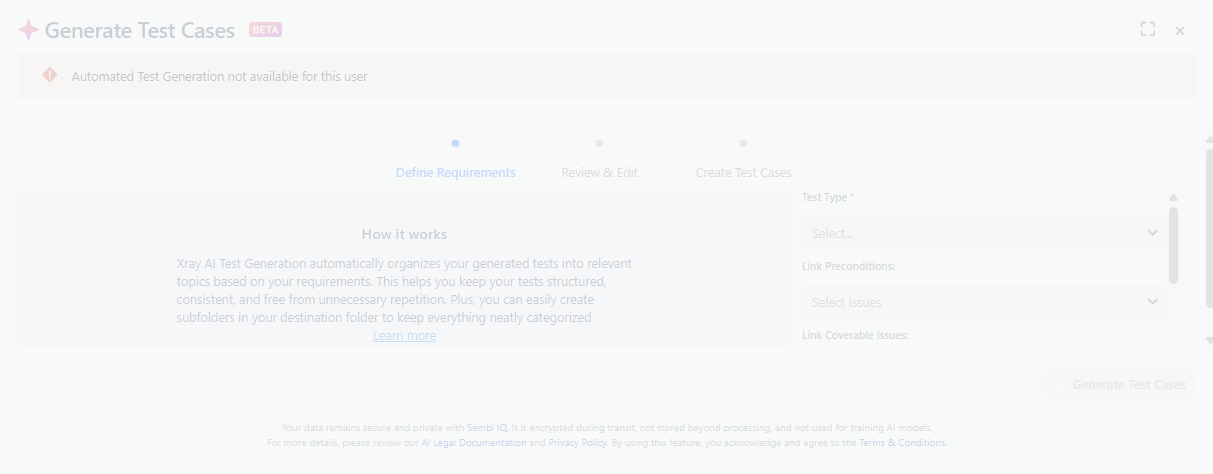
If the AI feature is created from a Requirement issue, they see an error "Automated Test Generation is not available for this user".
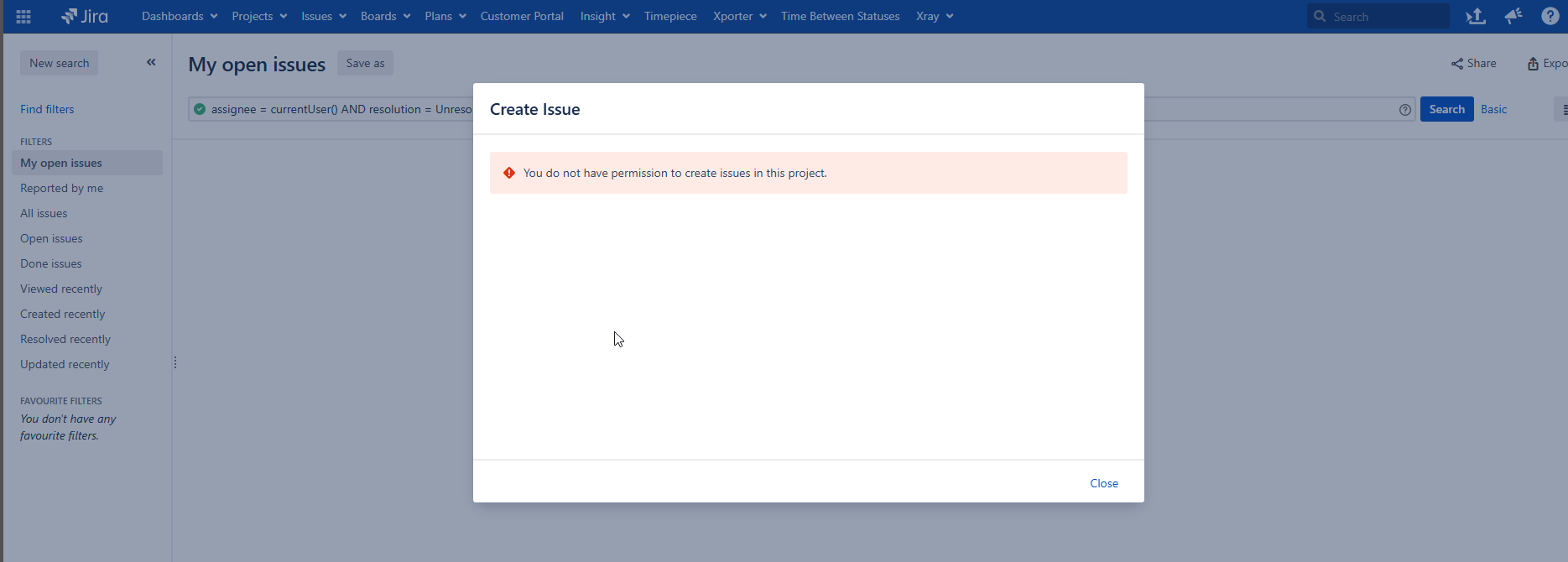
This problem specifically impacts only non-Admin users, whereas Admins are not impacted by this issue.
Steps to reproduce:
- Log in as an admin user
- Rename the Test work item type to something else
- Log in as any Non-Admin user
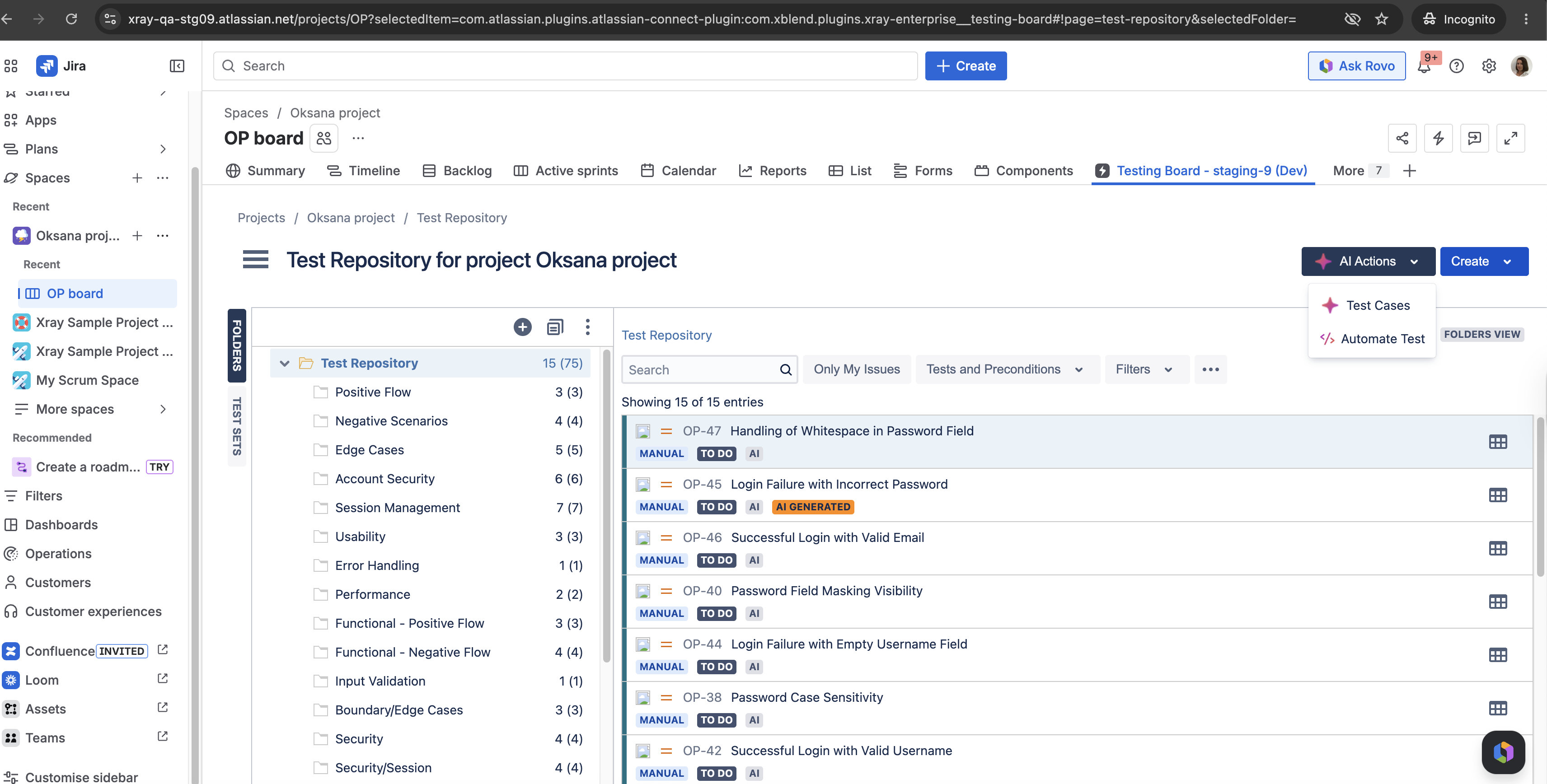
- Go to the Testing Board to click on AI Actions - Test Cases
- Go to a Requirement issue and try to create Tests using AI Feature.
Actual Result: The Test Cases button is disabled in the Test Repository, while if the Tests are generated from the Requirement issue, then they see a different error message - "Automated Test Generation is not available for this user".
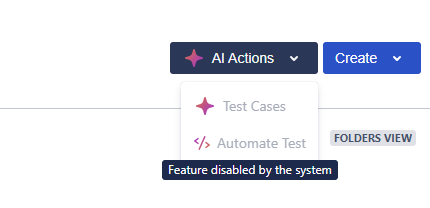
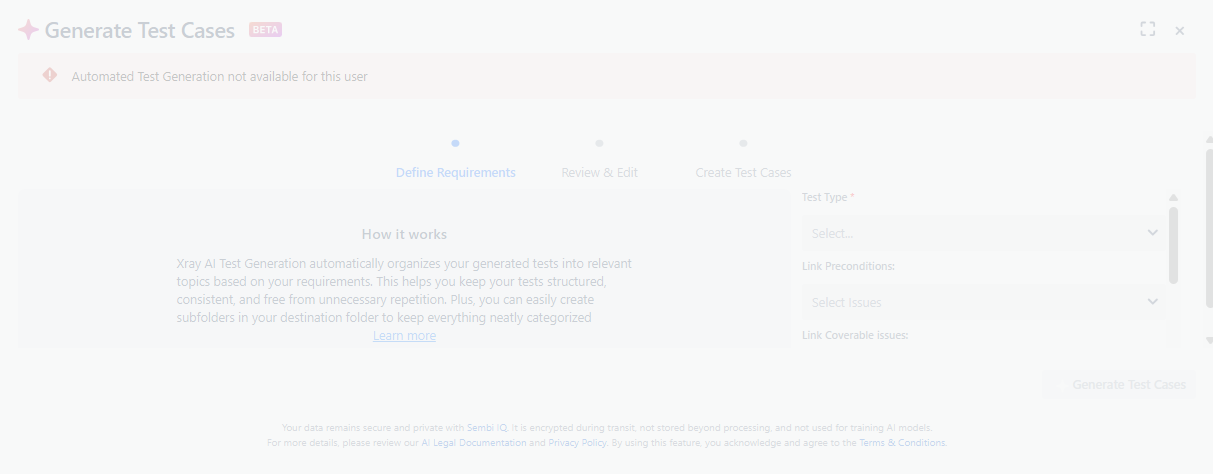
Expected Result: The Test Cases button is available from the Test Repository, and Tests should be generated as expected from the Requirement issue.
Note: should use the work item type ID instead of name?